
5 Proven Note-Making Techniques for UGC-NET Exam

Preparing for the UGC-NET Exam is all about consistency, clarity, and smart strategy. With a vast syllabus covering both Paper I (Teaching & Research Aptitude) and Paper II (Subject-specific knowledge), simply reading textbooks is not enough, what truly makes the difference is how well you capture, organize, and revise information.
That is where note-making becomes a game changer.
Well-structured notes help you retain information longer, revise faster, and connect ideas across topics. In this article, we will explore 5 proven note-making techniques that have helped hundreds of UGC-NET aspirants crack the exam with confidence.
Join Ardas Classes Now
India's Best Online UGC-NET Coaching Classes

1. The Mind Mapping Method
Mind mapping is a creative way to visually organize information. It begins with a central idea in the middle of the page, and branches out into subtopics, examples, and definitions.
Why it works:
- Helps you see relationships between concepts.
- Makes complex topics easier to understand.
- Improves memory recall through visual patterns.
Best for:
Paper I topics such as:
- Teaching Aptitude
- Research Aptitude
- Communication Process
Example:
For “Types of Research”, you can draw a mind map with “Research” in the center and branches for Descriptive, Analytical, Applied, Fundamental, Qualitative, Quantitative, etc.
Pro tip: Use colored pens or digital tools like XMind, Miro, or Goggle to make your mind maps visually appealing and easy to revise.
2. The Cornell Note-Taking System
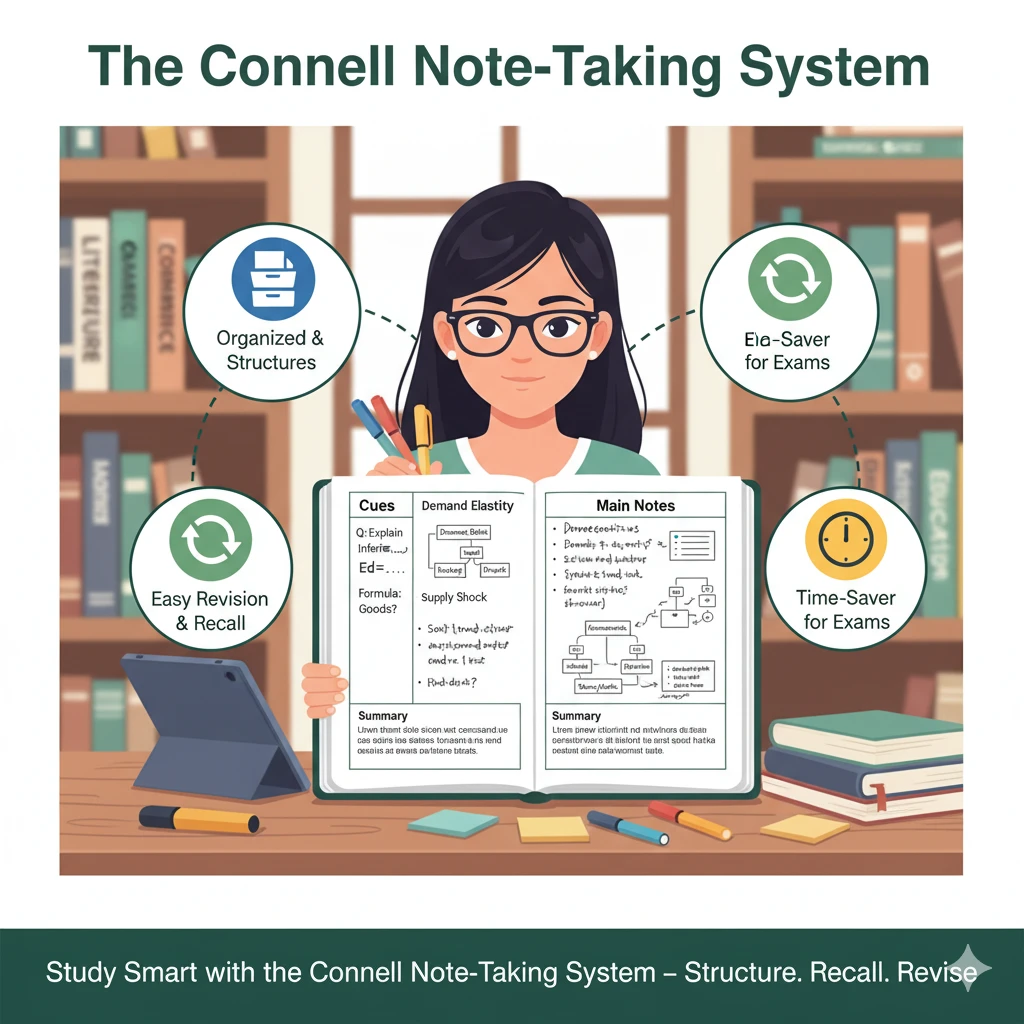
The Cornell Method is one of the most systematic and time-tested ways to take notes ideal for conceptual subjects.
How it works:
Divide your page into three sections:
- Main Notes (Right): Write key points during study.
- Cues (Left): After class, add keywords, formulas, or likely exam questions.
- Summary (Bottom): Summarize the page in 3–4 sentences.
Why it helps:
- Keeps notes organized and concise.
- Makes active recall and self-testing easier.
- Perfect for last-minute revisions.
Best for:
Paper II subjects like English Literature, Commerce, Economics, Political Science, Education, Management, etc.
Pro tip: Try this method in a digital notebook like Microsoft OneNote or Notion using a Cornell-style template for faster organization.
3. The Flowchart & Table Method
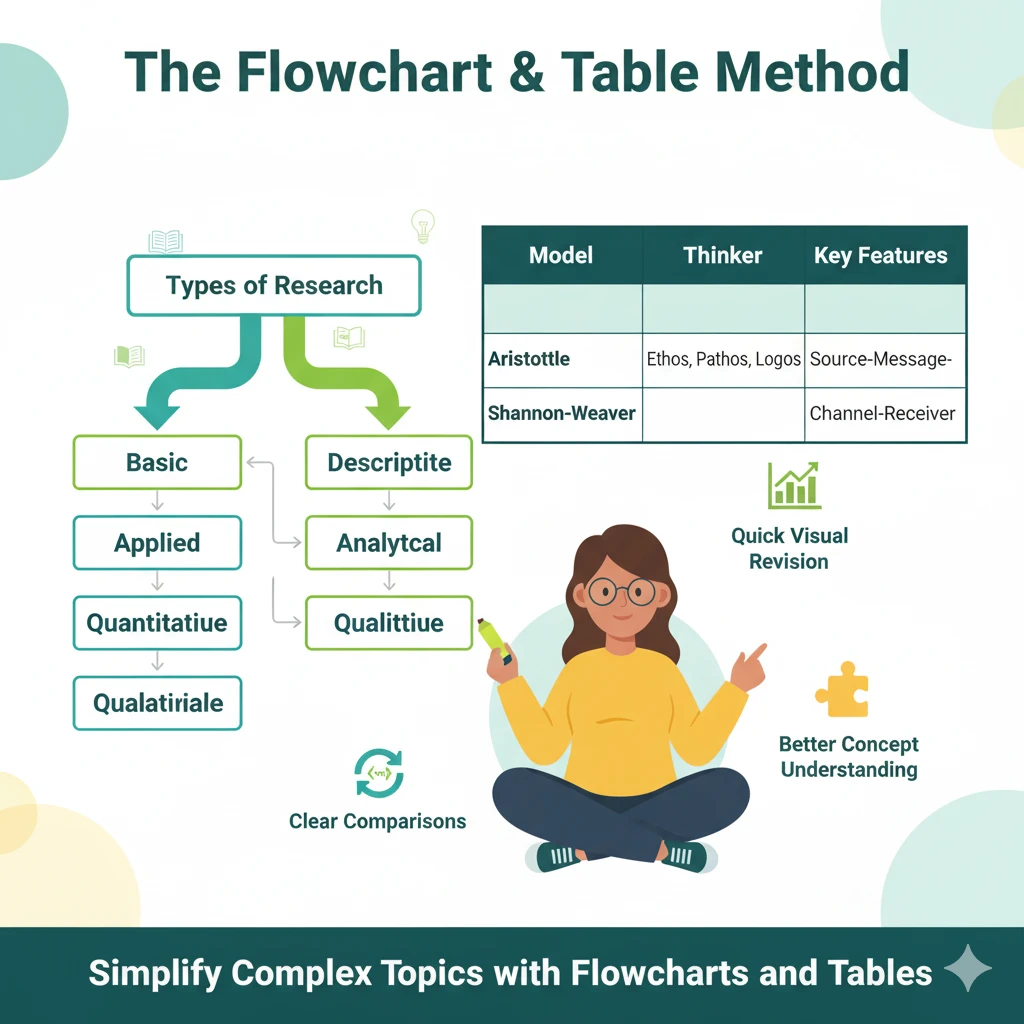
UGC-NET includes many theory-based and comparison topics like types of research, communication models, or educational philosophies. For such topics, flowcharts and tables are your best friend.
How to use:
- Convert textual definitions into step-by-step flowcharts.
- Use tables to compare theories, thinkers, or concepts side by side.
Example:
| Theory | Thinker | Key Idea | Application |
|---|---|---|---|
| Behaviorism | B.F. Skinner | Learning via reinforcement | Teaching Practice |
| Constructivism | Piaget | Learner constructs knowledge | Classroom projects |
Why it helps:
- Makes revision quick and visual.
- Great for factual clarity and differentiating similar concepts.
- Perfect for education, management, and history-based subjects.
Pro tip: Use highlighters to mark distinctions and add mnemonics for tricky comparisons.
4. Digital Note-Making (Apps & Online Tools)
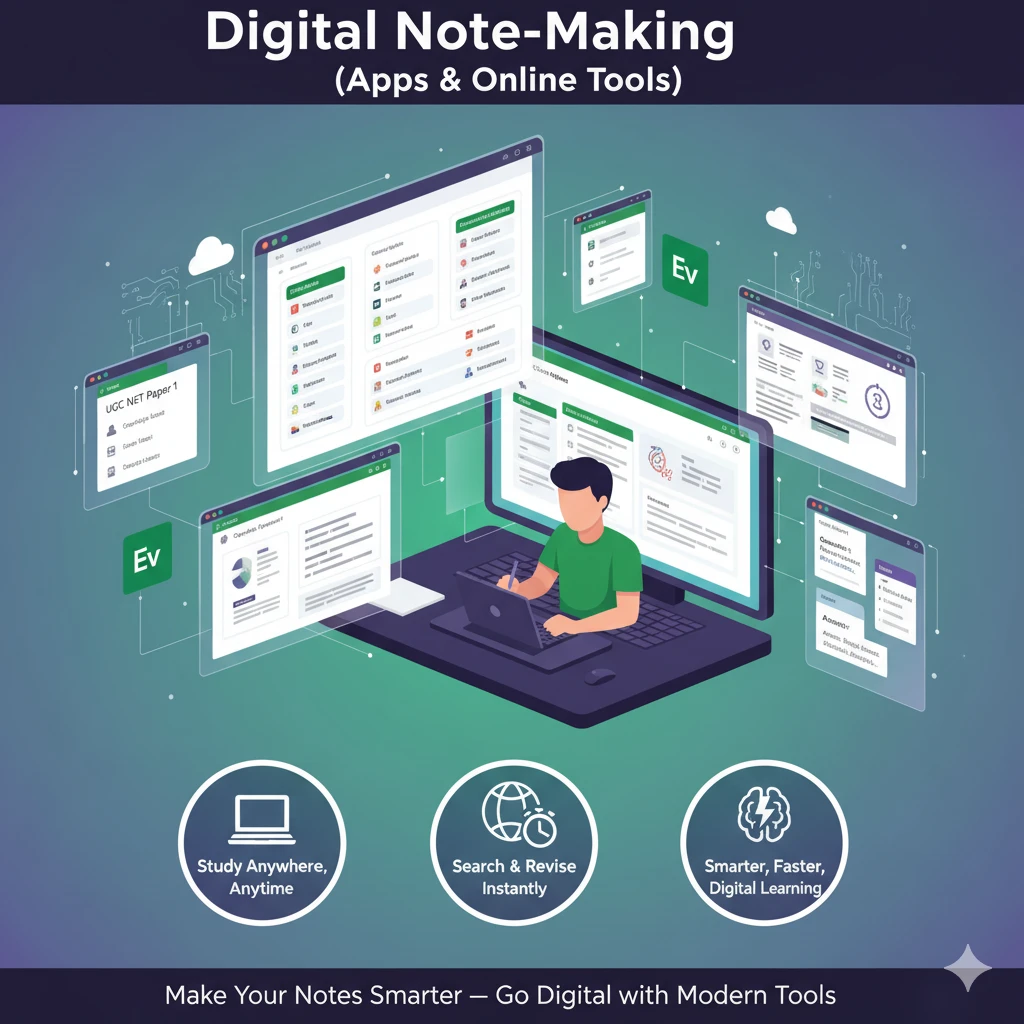
Gone are the days of carrying bulky notebooks digital tools now make note-making smarter and more efficient.
Recommended Tools:
- Notion: For syllabus-wise organization and keyword linking.
- Evernote: For cross-device notes and PDF clipping.
- OneNote: For handwritten and typed note integration.
- Google Keep: For quick revision points or daily flashcards.
- Anki / Quizlet: For digital flashcards and spaced repetition.
Why it works:
- Notes are searchable, editable, and portable.
- You can easily embed PYQs, images, or videos.
- Ideal for long-term study plans and revisions on the go.
Pro tip: Create one digital notebook per UGC-NET Paper II subject unit, and sync it with your phone for daily review.
5. The “One-Page Summary” Revision Sheet
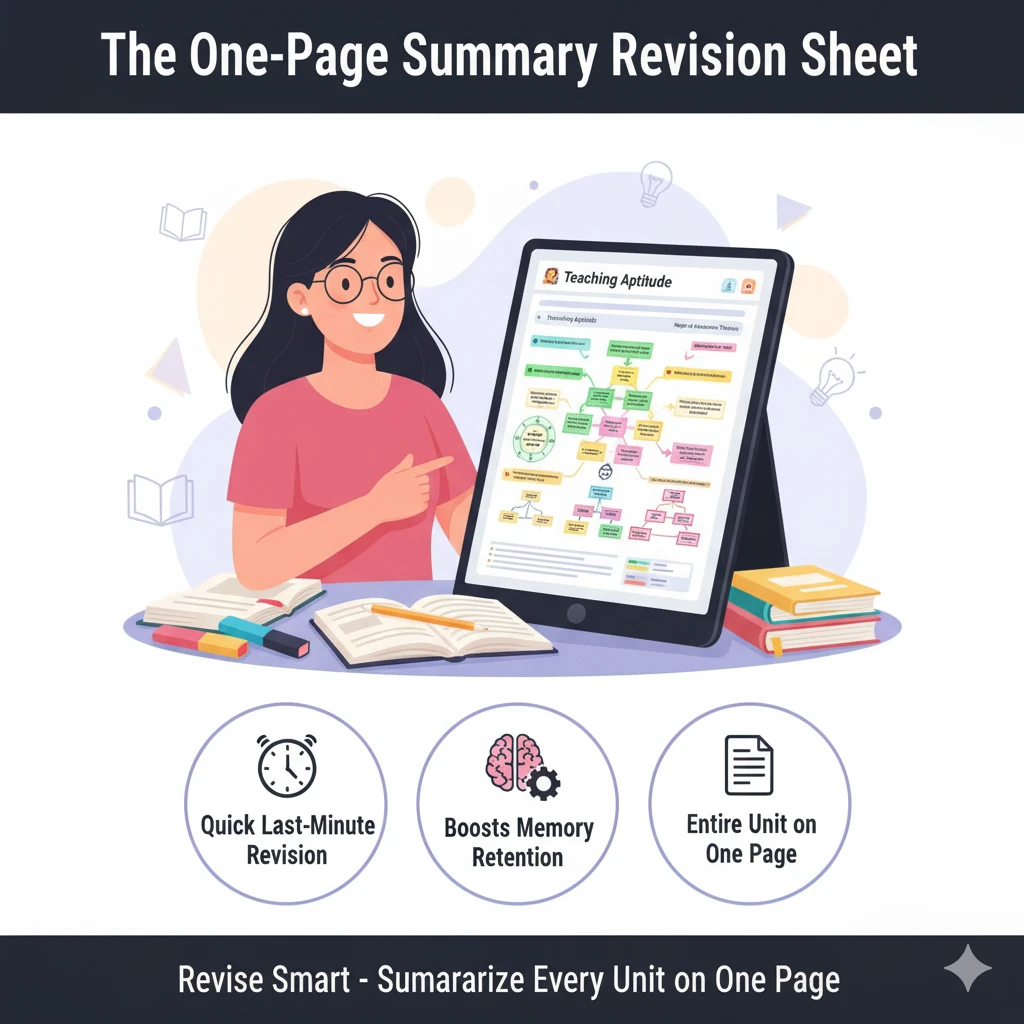
When exams are near, massive notes become overwhelming. That is why creating a One-Page Summary Sheet for each unit can make revision super-efficient.
How to make it:
- Condense the entire topic into bullet points, formulas, and keywords.
- Use color codes like green for examples, yellow for definitions, pink for theories.
- Add diagrams, timelines, or flow arrows wherever possible.
Why it helps:
- Saves time during final revision.
- Boosts memory retention with visual cues.
- Helps cover the entire syllabus in just a few hours before the exam.
Pro tip: Keep these summary sheets pinned near your study area for quick daily recall.
Join Ardas Classes Now
India's Best UGC-NET Coaching Centre
Pro Tips for Effective Note-Making
To make your notes truly impactful:
✅ Use short forms and keywords, not long sentences.
✅ Highlight definitions, theorists, and examples separately.
✅ Add previous year question references beside each topic.
✅ Revise notes weekly using active recall.
✅ Organize your notes unit-wise and syllabus-wise.
Remember your notes should reflect your understanding, not just copied text.
Conclusion
Effective note-making is more than just writing down facts it is about structuring knowledge for clarity and quick recall.
When done right, it turns your UGC-NET preparation into a strategic, high-retention process, helping you understand topics deeply and revise efficiently.
Whether you prefer digital tools or handwritten notes, these five proven techniques like Mind Mapping, Cornell System, Flowcharts, Digital Notes, and One-Page Summaries will give you a powerful edge in your preparation journey.
Start today, stay consistent, and by the time the exam arrives, your notes will become your biggest strength and revision weapon.
FAQs on UGC-NET Note-Making Techniques
1. Why is note-making important for the UGC-NET Exam?
Note-making helps organize large amounts of information into concise, easy-to-revise summaries. It improves retention, saves time during revision, and strengthens concept clarity.
2. What are the best note-making methods for UGC-NET preparation?
The most effective techniques include Mind Mapping, Cornell System, Flowchart/Table Method, Digital Note-Making, and One-Page Revision Sheets — all proven to enhance learning and recall.
3. Should I make handwritten or digital notes for UGC-NET?
It depends on your preference. Handwritten notes improve memory, while digital notes (using Notion, OneNote, or Evernote) are better for quick search, organization, and online access.
4. How can I make concise UGC-NET notes for quick revision?
Use keywords, bullet points, color codes, and flowcharts instead of long paragraphs. Summarize each topic in one page for faster revision before the exam.
5. Can I use note-making apps for UGC-NET preparation?
Yes, apps like Notion, OneNote, Evernote, and Anki are excellent for organizing syllabus-wise notes, creating digital flashcards, and reviewing content anytime, anywhere.
6. How often should I revise my notes for UGC-NET?
Ideally, revise your notes weekly and again before each mock test. Regular revision strengthens retention and ensures long-term understanding of key concepts.


